In September I told you that the most frequent request, by a wide margin, was an app for your phone. And that I hadn't waited for the survey to end before starting.
Well: it's in the stores. Both of them.
Before I tell you what it does, let me repeat the deal, because it comes before any news: two PCs by voice stay free. Forever. Nothing you read below changes that.
The SayBoot app for iPhone and Android
Get it from the App Store and from Google Play. Sign in with the same account you've always used, and the PCs you've already paired show up on their own: there's nothing to redo.

It does what you'd expect from a SayBoot app. Turn your PCs on and off with a tap, see whether they're reachable, group them, get a notification when one turns on and, if you weren't expecting it, be told it turned on by itself. You manage them even when Alexa isn't in the room, or when you're away from home and need remote desktop right now.
And it does the one thing voice can't do: it turns the PC on as you get close to home, or puts it to sleep when you leave, if you ask it to. One rule per place, set once, and then it takes care of it.
Notifications deserve a couple more lines, because they're the part I use most myself. The app tells you when a PC turns on and when it turns off, and who did it: Alexa, the webapp, the app, a schedule, or none of these, in which case it turned on by itself, and that's worth knowing. If a command fails, it tells you straight away, instead of leaving you staring at a black screen on the other side of town. And every notification has buttons: snooze, retry, shut down. No need to open anything. Which alerts you get, and when you don't want them, is up to you, PC by PC.
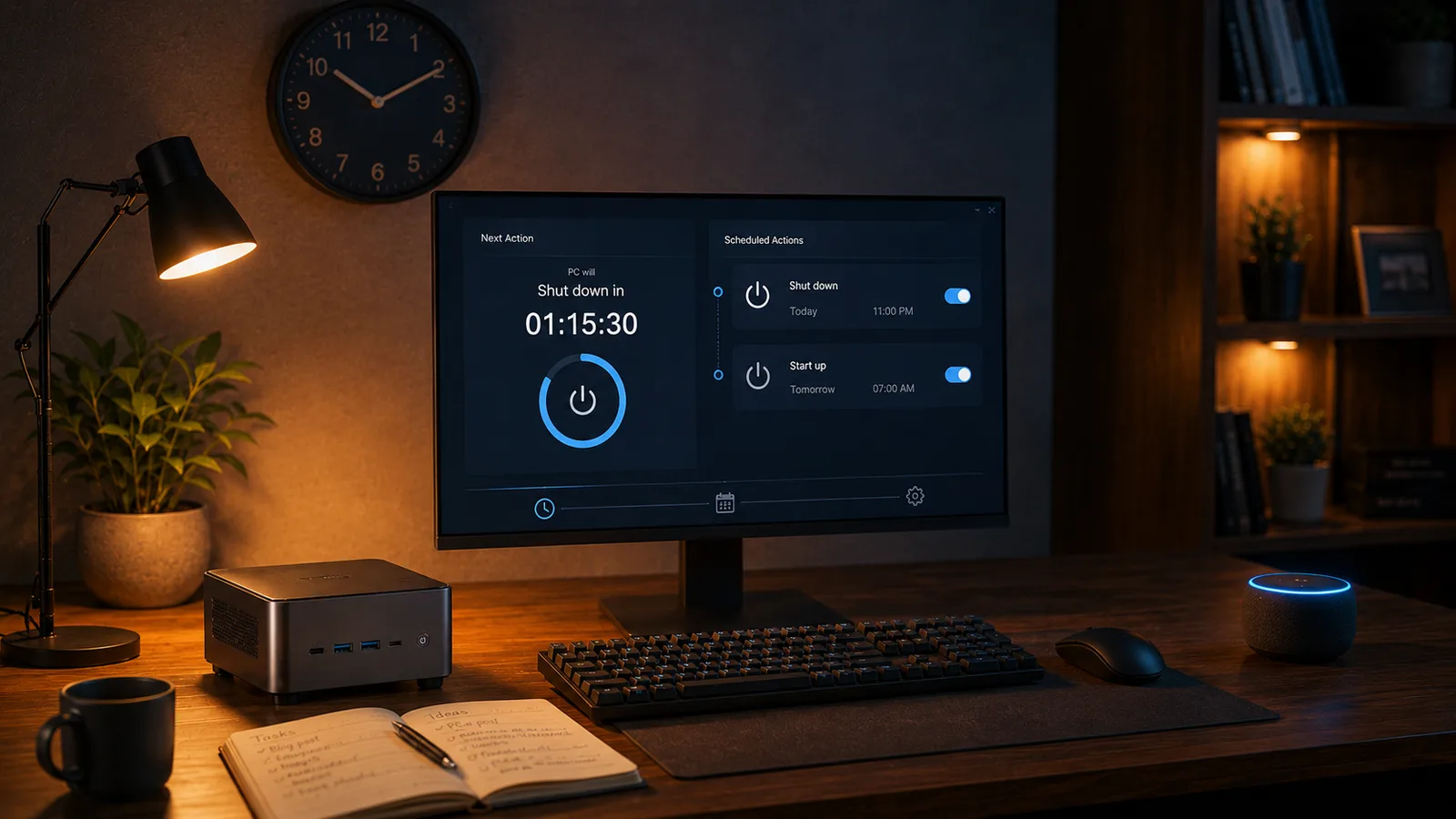
Then there are schedules: the office PC that turns on at eight, Monday to Friday, and shuts down at seven in the evening; the home server that sleeps at night; the kids' computer that shuts down at dinner time. You set them from the app or the webapp, in two taps, and from then on you don't think about them. If one day you need the PC outside those hours, Alexa or the app still work: a schedule doesn't take over, it helps.
The app doesn't pretend to replace Alexa. Alexa remains the most convenient way to turn on the PC when you're at home. The app is for everything else.
Premium, and seven days to try it
This is where I owe you clarity, because in September I promised I wouldn't put anything behind a payment, and that promise was about what you already had: the two PCs, voice, the webapp, the Windows agent. All of that is and stays in the free plan, and it doesn't become "for a limited time".
The app, commands from your phone, rules by place, schedules, groups, voice aliases, protection against accidental shutdown and "keep awake" are Premium. The app installs for free and shows everything to everyone; to control from there, you need Premium.
It costs €14.99 a year, VAT included: less than €1.50 a month. That's the launch price, valid until 31 October, and whoever subscribes now keeps it for three years. After that, it goes up. You can cancel whenever you want, and the first seven days are a trial: if you turn it off in the meantime, you pay nothing.
I wrote in September that SayBoot's running costs are sustainable, and they still are. Premium isn't there to keep the lights on: it's there to pay for the evenings, and to make sure that a year from now SayBoot is still here, better than today. If you don't need it, you don't have to do anything.
Linux, Synology NAS and Mac
The other thing I called "closer than you think" in September.
The SayBoot agent now exists for Linux and for Synology NAS too, and in beta for Mac. That means "Alexa, turn on the server" and "Alexa, turn off the NAS" work just like for the PC at home, and from the app you see them next to the others. The guides are on the site, step by step, and every published release is signed: anyone who wants to can verify that the file they downloaded is exactly the one I built.
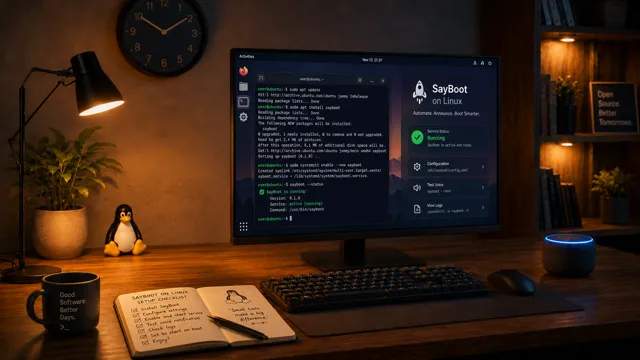 Linux
Linux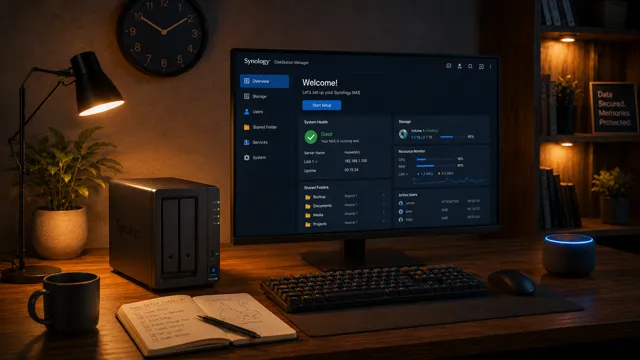 Synology NAS
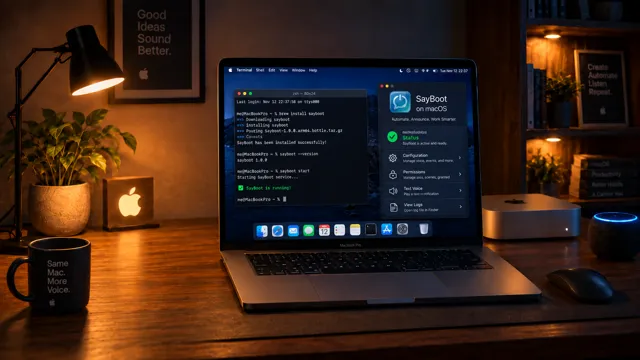 Mac (beta)
These agents are part of Premium too. The Windows agent, the one that sits next to the clock, stays free as it always has been.
What happened these past few days
I won't give you precise numbers, it's not my style and they're not the point. I'll just say that in a few days a great many of you have already opened the app, that the first Premium trials started in Italy, Germany, Spain and Brazil, and that sign-ups keep coming at their daily pace, from almost ninety countries.
And that the things you don't see, the ones I talked about in the first article, are still there: servers that answer at any hour, an agent that survives Windows updates, network cards that each do things their own way. None of that has changed, and that's exactly the point.
One thing I'm asking of you
In September I asked you for time, and you gave me more than I hoped for. Today I'm asking for something smaller, which now really matters.
An app in the stores lives on reviews. Not out of vanity: because whoever searches for "turn on PC with Alexa" in the store finds the apps with more stars first, and every person who reaches SayBoot that way is a person I don't have to reach some other way, with time I'd rather spend coding. If you like the app, leave a review on the App Store or on Google Play. Two lines are enough. If you don't like it, write to me first: hello@sayboot.com, I read everything, as always.
And if you have something to say about this article, tell me: the message is already half written, you just need to add your part. Last time you changed my plans, and you were right.