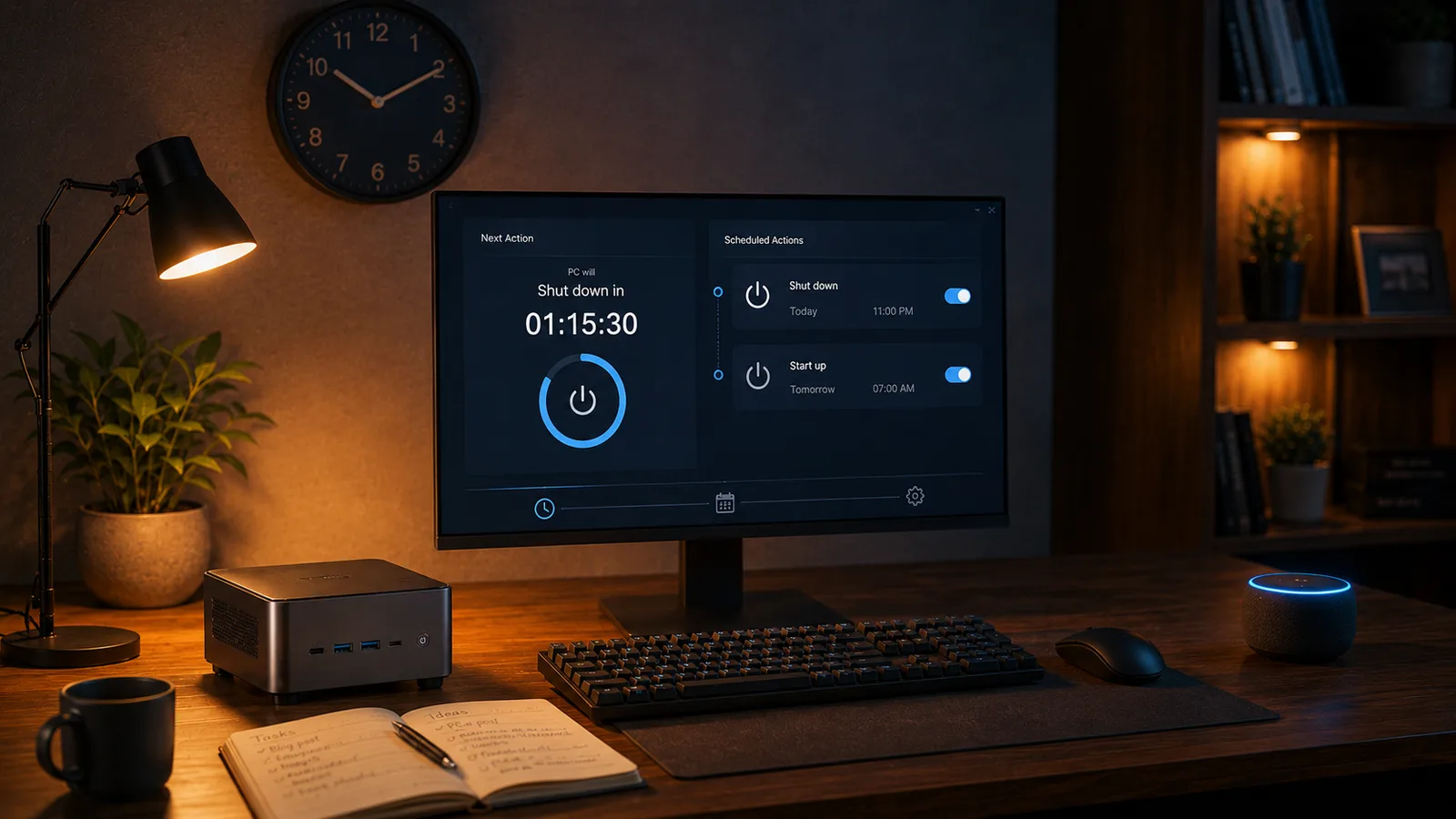
You're halfway through a download, a backup or a Windows update and you want to go to bed. You don't want to leave the PC on all night, but you don't want to sit there waiting either. What you need is a timer: "turn off in a while, once you're done".
With SayBoot you already have it. Nothing to install, nothing to switch on in the webapp: just tell Alexa.
The phrase
Replace PC-Office with the name of your PC:
- "Alexa, turn off PC-Office in 10 minutes"
- "Alexa, turn off PC-Office in one hour"
- "Alexa, turn on PC-Office in 20 minutes"
Alexa confirms and, when the time is up, the PC does exactly what it would do with an immediate command: the shutdown (or sleep, or hibernate) you configured for that PC in the webapp. If you have a group of PCs, it works with the group name too.
How to cancel
You changed your mind, the render is taking longer than expected, someone sat down at the PC:
- "Alexa, cancel timer"
The timer also shows up in the Alexa app, in the same list as your other timers, and you can delete it there with a tap.
What happens behind the scenes
The interesting part is that SayBoot knows nothing about the timer, and that's fine. Alexa handles delayed commands for smart home devices on its own: when you say "in 10 minutes", it keeps the countdown in its cloud and, when it runs out, sends SayBoot the same "turn off" command it would have sent right away. From there it's the usual path: the command reaches the Windows agent on your PC, which runs the configured action within a few seconds.
We verified it on several PCs with different delays: the command lands on time, to the second.
Two practical consequences:
- It works with any PC already linked to SayBoot, no update needed and no difference between the Free and Premium plans.
- The PC must be reachable when the timer runs out. For a shutdown, the SayBoot agent must be running (the PC on, with a signed-in session); for a wake, the PC must be off and ready for Wake-on-LAN, as for a normal wake.
Timer or schedule?
They're two different tools, and it pays to use the right one:
- The timer is relative to now: "in 10 minutes". Perfect for one-off situations, and it disappears on its own after firing.
- The webapp's schedules (Premium) are absolute: "every weekday at 7:00 PM". They're for routines, and before shutting down they show a 60-second warning on the PC that you can cancel.
For "finish the download, then turn off", the timer wins every time.
Frequently asked questions
Do I need to enable anything in SayBoot to use the timer?
No. Alexa handles the delay in its own cloud and, when it runs out, sends SayBoot the same turn-off command as always. It works with any PC already linked, on the Free plan and on Premium.
How do I cancel a shutdown timer?
Say "Alexa, cancel timer". The timer also shows up in the Alexa app, where you can delete it like any other timer.
Does the timer work for waking the PC too?
Yes. "Alexa, turn on PC-Office in 20 minutes" sends the Wake-on-LAN signal when the timer runs out. The PC must be off and set up for Wake-on-LAN, exactly as for a normal wake.
Where this article comes from
The idea came from Adem, a computer technician and SayBoot user, who wrote to suggest adding a voice-controlled shutdown timer along the lines of shutdown /s /t 300. We went and tested it on our test PCs, and the answer was already there: Alexa does it on its own, and does it well. Thanks, Adem. It's the kind of email that teaches us something about our own product.
If you haven't set up voice shutdown yet, start with the guide Shut down your PC with Alexa.