

Native voice control
Powered by Amazon's Smart Home Skill Kit. You speak, the Echo sends a directive to our servers, the PC turns on. Same latency as a smart bulb, same reliability.
Alexa, turn on the office PC
One sentence. Three seconds. The computer you left off on the other side of the house is already on when you get there. No router to configure, no subscription, no spying agent.
4.9Chapter 01
SayBoot replaces the physical power button with your voice. No app to learn, no cloud we invented ourselves. Just Alexa, a lightweight agent on your PC, and your wake-on-LAN finally doing something useful.
Download the SayBoot agent on the PC you want to control. Signed by Microsoft, no SmartScreen warning. On first launch the browser opens and the PC pairs itself.
Sign in with your Amazon account at sayboot.com/app. The webapp guides you: three steps on screen, QR code for Alexa, no manual setup.
sayboot.com/app → paired

Scan the QR code in the webapp with your phone: tap “Enable to Use” → “Link Account”. The banner disappears. You’re ready.
Alexa → skill → ✓

Chapter 02 · A story

I'm Alessandro. I run a professional studio and I have half a dozen PCs up all the time: development workstations, an accounting machine, a couple of colleague stations, two small service servers.
The problem is I often work off-site. I'm two hundred kilometres away from the studio when I remember I need a file on one of those machines. Or I want to kick off a nightly build. Or I have to help a client by remoting into the PC that has their copy of some legacy accounting software.
Shutting them all down in the evening saves electricity, but it also means I can't get back in until I'm physically there. Leaving them on 24/7 means burning watts for nothing, month after month.
«Alexa, turn on studio PC» from the couch at home, and when I get to my laptop Remote Desktop is already waiting.
SayBoot comes from exactly that frustration. It's not magic: it's just Wake-on-LAN done right — the same feature your PC already has in BIOS, finally plugged into a voice command and a webapp that lets you see the state of your computers from any browser.
I suspected I wasn't the only one with this problem. If you too have PCs scattered across multiple sites, a dev workstation at home and one at the office, a machine that isn't worth keeping on overnight but that you need to reach at dawn, or simply a studio you remote into — this app is for you.
Real use cases
Wake the right workstation from the palm of your hand before you even walk in, shut everything down at end of day with a single group command.
Wake the office PC, connect via Remote Desktop, work, turn it back off by voice. No wasted power bill, zero downtime.
A Linux box for builds, a Windows one for tests, a Mac for the client — wake only the one you need, when you need it.
Alessandro C. Founder of SayBoot
Chapter 03 · Architecture New
The question always comes: «what if somebody connects to my PC?». Short answer: they can't. Your PC is the only one that talks, and it only talks outbound. Here's the exact path your voice takes.
Your voice
Amazon Cloud
SayBoot backend
Backend (ours)
Your PC
What leaves your PC
Only MAC address + hostname + HTTPS polling to our backend. No personal data, no files, no screen sharing.
What our server knows
Your PC's MAC and the name you gave it («office PC»). Full stop. No geolocation, no habits, no ads.
Open ports on the router
Zero. The agent polls outbound like any browser. Your router doesn't know it exists.
Chapter 04
Built by someone who uses it every day. The features that matter are here. The ones that don't — monthly subscriptions, premium badges, dark patterns — aren't.
Powered by Amazon's Smart Home Skill Kit. You speak, the Echo sends a directive to our servers, the PC turns on. Same latency as a smart bulb, same reliability.
Alexa, turn on the office PC
Add PCs, groups and power history from any browser. Zero client installs, sign in with Amazon.
Unobtrusive tray icon. 6.6 MB. No firewall port opened, no network service listening. Just waits for a command from the cloud.
Not just turning on: with the agent installed you can say «Alexa, turn off the office PC» too. Configure shutdown, reboot, sleep or hibernate — per PC, from the webapp.
shutdown · restart · sleep · hibernate
«Alexa, turn on studio» and a magic packet fires at every PC in the group at once. Perfect for labs and multi-seat setups.
Want the PC to wake at 8am on Mondays? Create an Alexa Routine in the official app. No cron, no plugins of ours.
iPhone and Android app New
Turn your computers on and off and check on them with one tap. Everything the website does, plus notifications that tell you how it went.
Available now
The apps are on the App Store and Google Play. Requires SayBoot Premium, with a 7-day free trial.

Chapter 05 · Alternatives New
The other roads exist. Each stops somewhere. This is the honest table, written by someone who tried them all before building SayBoot.
| SayBoot | IFTTT + WoL | TriggerCMD | Port forwarding | |
|---|---|---|---|---|
| Voice command in your language | ✓ | ~custom intent only | ~custom routine | ✗ |
| Works behind NAT with no open ports | ✓HTTPS outbound | ✗needs webhook | ✓ | ✗ |
| Shutdown & reboot by voice | ✓ | ✗ | ✓ | ✗ |
| PC groups & multi-routines | ✓ | ~one webhook per routine | ~ | ✗ |
| Web dashboard for everything | ✓ | ✗ | ✓ | ✗ |
| Price for 2 PCs | €0forever | ~€3.99/monthIFTTT Pro | ~€24one-time | Free+ security risk |
| Setup time | 60 seconds | 30–60 minutes | 15 minutes | hours (router + firewall) |
Chapter 06 · Live Live
The live feed of real power events — aggregated by country, showing the name each user picked for their device. Zero IP, zero hostname, zero user name, zero email.
* What we show: local time, action (wake/shutdown/sleep), outcome (✓/✗), the name the user picked for their device, and aggregate country. No IP, no hostname, no user name, no email, no fingerprint. Refreshed every 10 seconds.
Chapter 07 · Reviews
Reviews left on the Amazon stores by people who use SayBoot. No prompting, no incentives: reproduced word for word, with the name and date they carry on Amazon.
4.954 reviews on the Amazon stores
"I came, I saw, I liked, I installed, it worked."
"I came, I saw, I liked, I installed, it worked." This is my mantra when it comes to any form of software, program, app etc over the years. Coming from another application that did a similar job and left a bad aftertaste. I have to say SayBoot and the person behind it is a pleasant surprise, which is rare nowadays. No muss, no fuss, I asked a question and got a reply in an instant. Easy install and setup, so 5 stars. Keep up the good work. Let's see what the future holds as the developer adds features to the app. Best thing is that it's free for normal users who don't have "NASA" at home like me and don't need more than two pc's at a time. A Premium Tier is in the works but it is not yet fully rolled out.

Wake on Lan working from Alexa
I am using the app to Wake on Lan two PC's from Alexa. Added the devices easily and is working flawlessly so far. Allows me to wake up directly and works when adding to an Alexa routing so the WOL is part of a larger set of commands.
A must have Alexa skill!
SayBoot is about the coolest thing you can do with Alexa. I auto configured my PCs with Wolow and everything works perfectly. The developer is very responsive to questions and very friendly. Well done!

Amazing
Incredible piece of software. Extremely convenient for managing my remote access and the developer is extremely helpful.
Actually works
Able to use this to wake and sleep my PC remotely, and it’s free
Great program
This little program has worked flawlessly for me.
Reviews published on the Amazon stores of seven countries. Text and signatures are the originals.
Chapter 08
SayBoot was built for personal use. The Free plan already covers most homes and home-offices. Premium is for people with a larger fleet.
01 · Free
€0forever
If you ever want to buy me a coffee, you'll find the link at the bottom of the page — it doesn't unlock anything, it's just a way to say thanks.
02 · Premium
€14.99per year · less than €1.50 a month, VAT included
Launch price until 31 October 2026: subscribe now and keep it for 3 years. No commitment, cancel anytime.
iPhone and Android app, now in the stores


More than 8 PCs? Write to us: we'll find the right plan for you.
Chapter 09
shutdown, rundll32 powrprof.dll), and HTTPS-polls our backend for commands. No network listener, no privilege escalation, no data leaves your PC except MAC and hostname.
Try it now
Install the agent, pair your PC, enable Alexa. Ready in under three minutes. No credit card needed.
From the blog
Step-by-step Wake-on-LAN and Alexa tutorials, fixes for the most common issues, and project news.
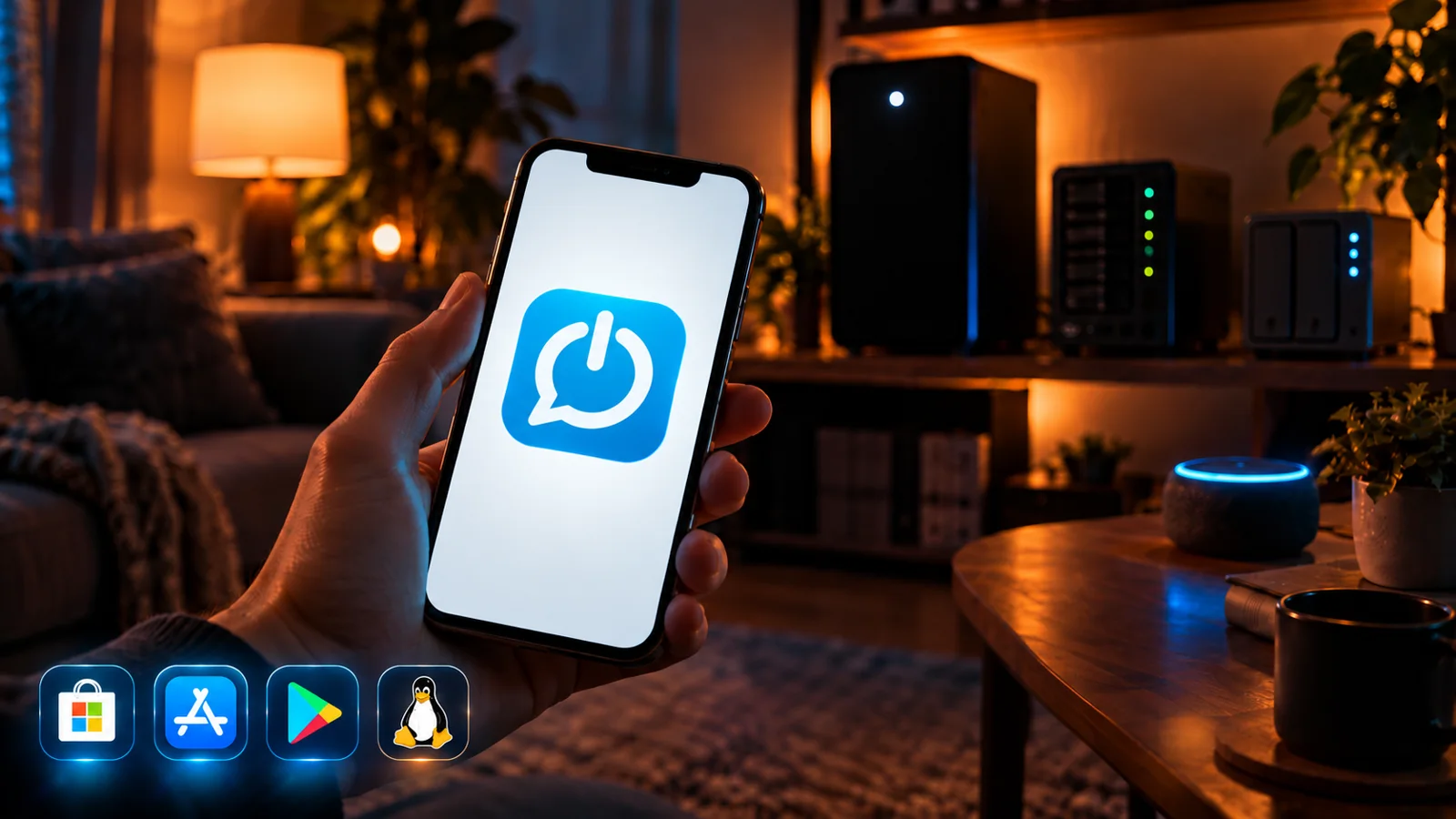 Stories
The SayBoot app for iPhone and Android has arrived, together with Premium (seven-day free trial) and agents for Linux, Synology NAS and Mac. What changes, what stays free forever, and one thing I'm asking of you.
 Stories
Two weeks ago I asked the people who use SayBoot what really matters to them. Many answers came in, some I have read more than once. This is what I learned, and what came out of it.
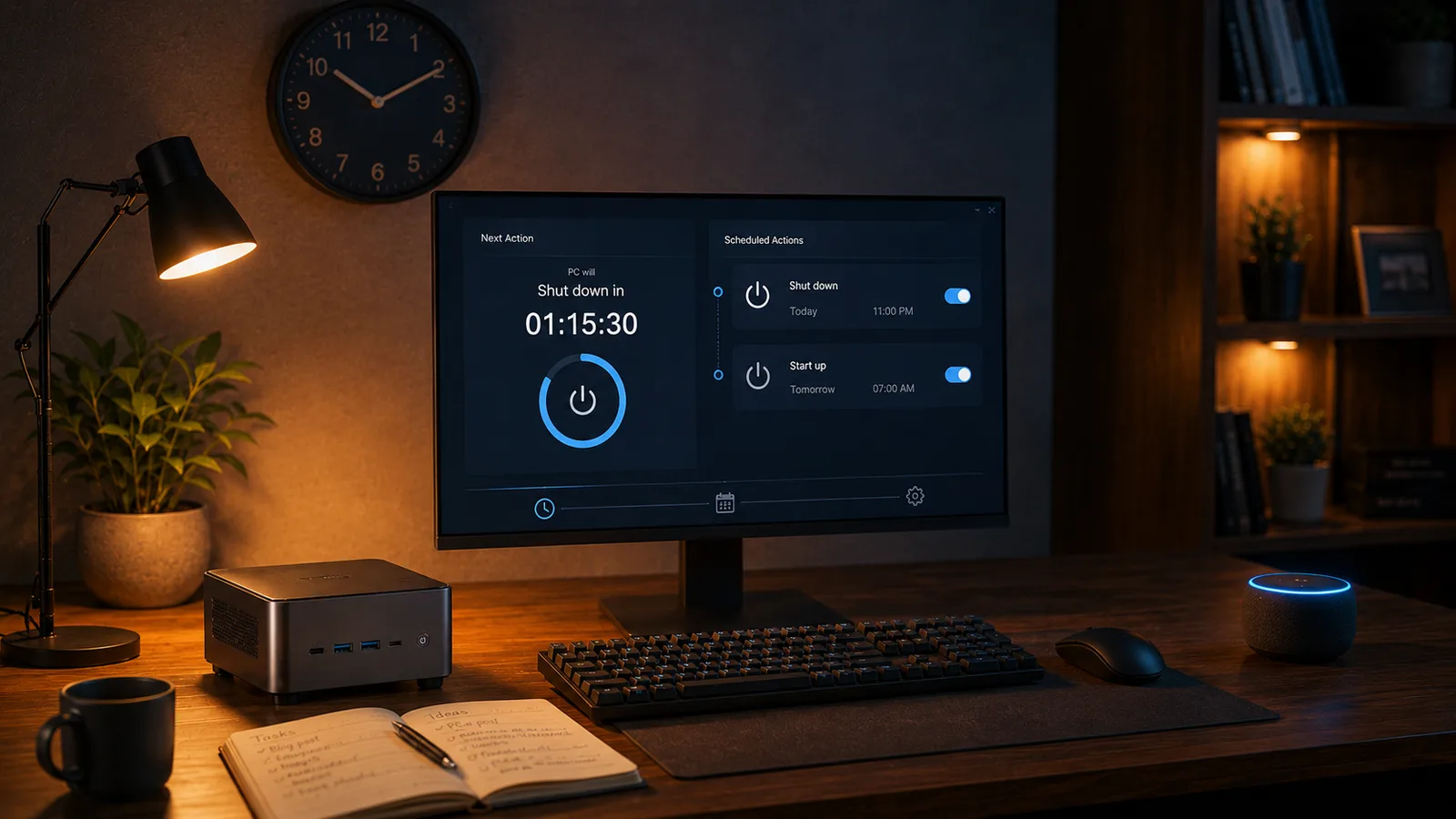 Tips
TipsHow to shut down (or wake) a Windows PC with Alexa after a delay, with nothing to configure. The exact phrase, how to cancel the timer, and what happens behind the scenes.