Two updates in a few days. The first is already on your PCs, or will be shortly: Windows agent 0.7.60, which the Microsoft Store installs by itself. The second is about to reach your phones: app 1.0.4. I'm telling you about both together because they go in the same direction: fewer things to fix by hand, more wake-ups that actually work.
Windows agent 0.7.60
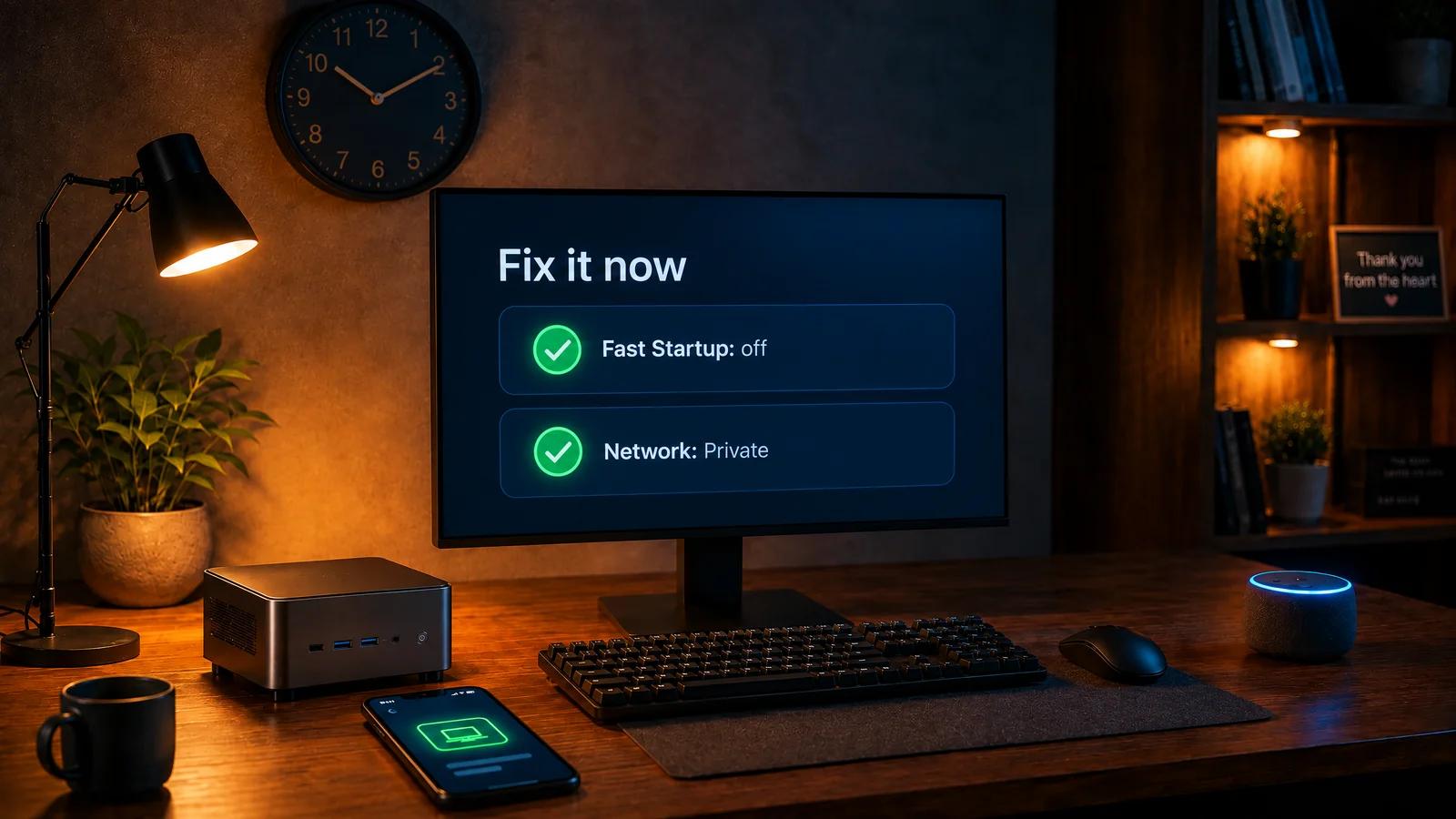
«Fix it now»
When the PC won't wake, many of you use «Wake doesn't work?» from the menu of the icon next to the clock. The diagnostic checks the PC's settings, sends me the report and I reply to you. Reading those reports, two things come up more than anything else: Windows Fast startup turned on, and the home network set to Public. The first stops the PC from waking when it's fully shut down; the second can block the signal that wakes it.
Until now I wrote you how to change them, menu by menu. From this version the diagnostic does it: at the end it offers «Fix it now», Windows asks once for administrator permission, and both settings are sorted. Right after, the diagnostic checks the PC again and shows you what was fixed.
Two details that matter:
- Fast startup is turned off without touching hibernation: if you chose «Hibernate» as the power-off action, it keeps working as before.
- The network becomes private only if you say so, and the question shows you the network's name. Only answer yes if you're on your home network: in a café, a hotel or an airport the network must stay public.
If you'd rather do it yourself, answer no and everything stays as it was. The step-by-step instructions are still in the Windows 11 guide.
The menu stays open
If «My PCs» used to close by itself after a couple of seconds, before you could pick a computer: from this version it stays open until you choose. Thanks to whoever reported it.
The phone app, one click away
The menu has a new entry, «📱 Phone app», with the links for iPhone and Android.
More protection where administrator permission is needed
The few agent operations that ask for administrator permission, that is the advanced diagnostic and now «Fix it now», have been made sturdier: they only use Windows components and write their result in a protected way. You don't need to do anything. It's the kind of work nobody sees, and that's how it should be.
The update arrives by itself from the Microsoft Store. To check, open «Information…» in the icon's menu: it should say 0.7.60. Like the whole Windows agent, «Fix it now» is free. If you don't have the agent yet:

App 1.0.4, coming soon
It's in review on the App Store and Google Play: it arrives in the next few days and updates by itself.
- More reliable wake-ups. When you tap «Wake», the app uses Alexa together with, if there is one, another SayBoot device that's on in the same network as the PC, for example a Raspberry Pi or a NAS. It's enough for one of the two to get through. The website already works this way.
- A PC that's on stands out, with a clearly visible green outline.
- Clearer Amazon sign-in. If your email is already used with Google or Apple, the app asks whether to sign in with that account or create a new one, so you find your PCs right away.
- Places can be deleted without Premium. If you went back to the free plan you can clean up the rules you no longer use.
- Languages. If your phone is in a language the app doesn't speak yet, it opens in English.
The app is free to install; to control your PCs from it you need Premium, with a seven-day free trial. If you already have it, there's nothing to do.


As always
If something's wrong, «Wake doesn't work?» in the icon's menu is still the quickest way to show me what's happening on your PC. And if you have something to say about these updates, tell me: the message is already half written, you just need to add your part.