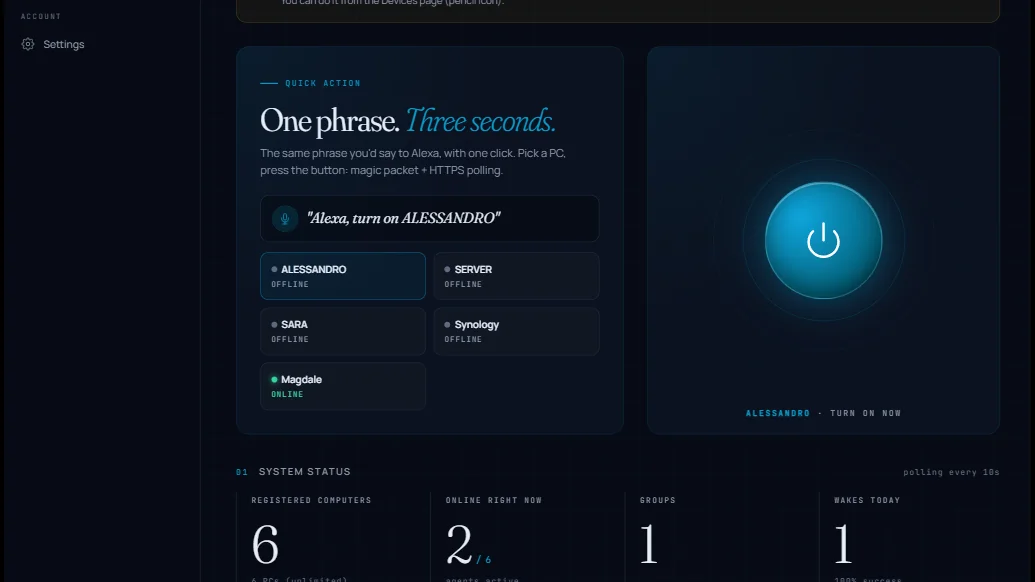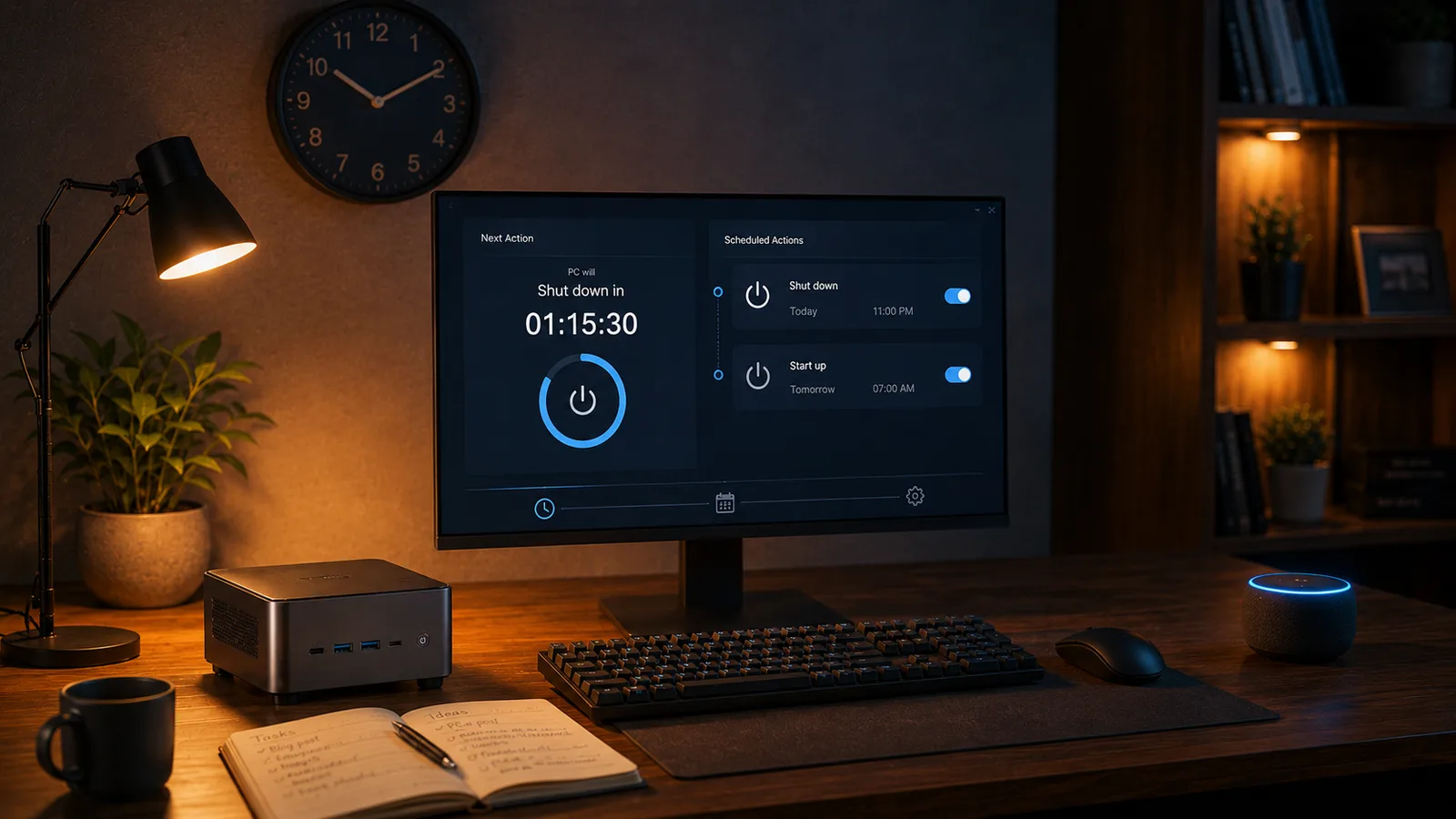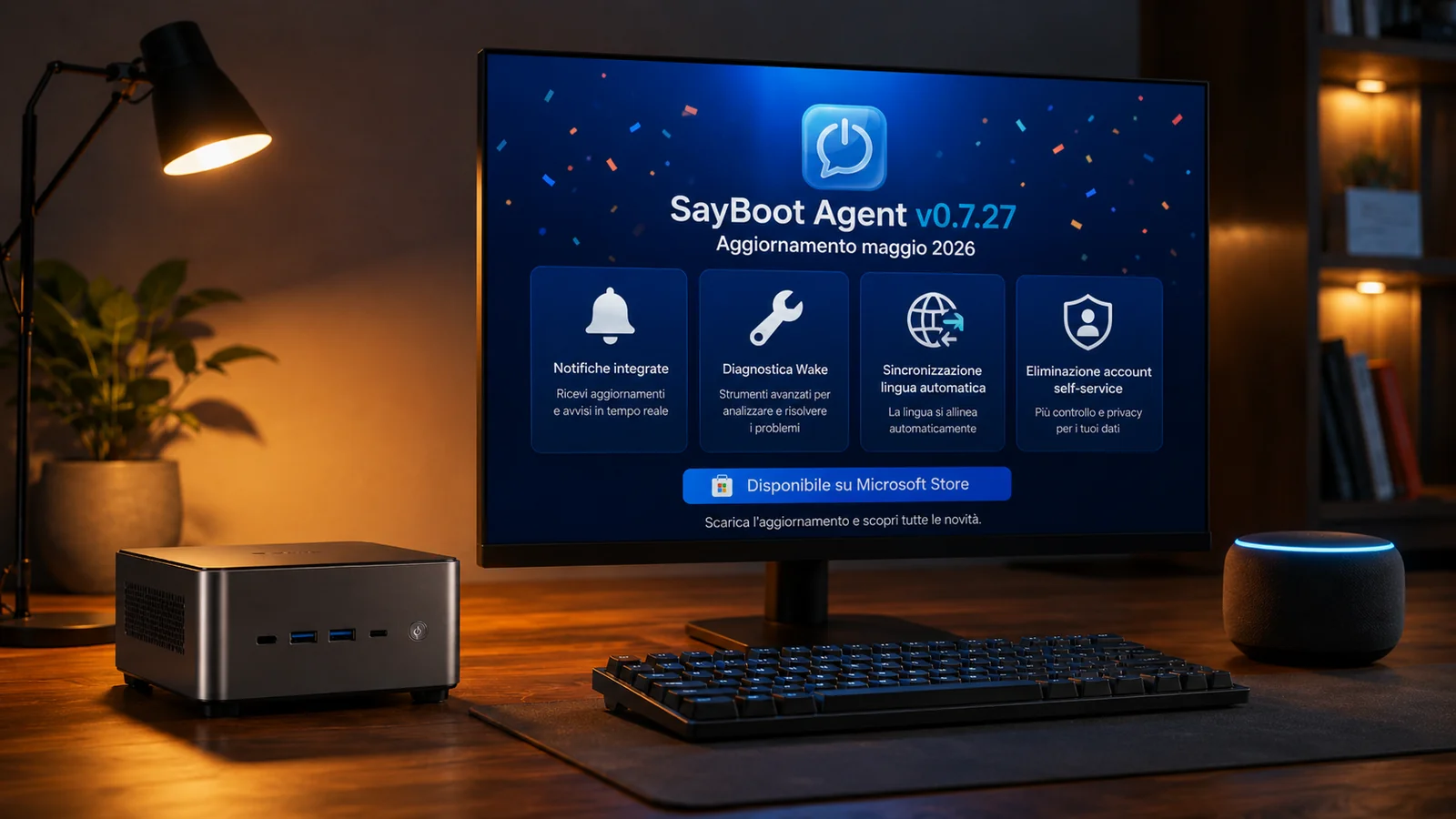
SayBoot Agent v0.7.27 is now available on the Microsoft Store — our largest update since the skill's launch. In under a week we accumulated and shipped 17 micro-releases (from 0.7.11 to 0.7.27) and it's now all certified by Microsoft, ready to auto-install for anyone who already runs the agent.
If you're a new user, the update arrives via Microsoft Store with zero action on your part. If you want to review what changed — or you're curious about the work behind the scenes — this post recaps the new bits area by area, in order of practical impact for daily SayBoot users.
1. Built-in notification center
The agent now receives messages and announcements directly from our team. You'll see:
- A dot on the tray icon when you have unread notifications
- A "Messages" entry in the tray menu that opens the dedicated page
https://sayboot.com/app/notifications/ - A standard Windows toast when a notification marked as critical arrives (e.g. a service advisory)
No forced emails for minor updates, no invasive popups: the right channel at the right time. You can opt out of marketing and survey categories from the preferences in https://sayboot.com/app/me/, leaving only the essential notifications on.
2. Smart "Wake not working" diagnostic
Wake-on-LAN troubleshooting normally requires knowing where to look: BIOS, network drivers, power management options, Fast Startup, public/private network profile. We automated the data collection with a new tool accessible from the tray menu.
Right-click the SayBoot icon → "🔧 Wake not working" and the agent:
- Shows you an explicit consent dialog about the data it collects (always, never silent)
- Runs a read-only scan over network adapters, power-management options, BIOS info and devices authorised to wake the PC
- Saves the report locally to
%LOCALAPPDATA%\SayBoot\diagnostic-*.jsonso you own your data - Asks if you want to send it to support with a click
If you want a deeper scan for properties that require admin privileges — such as AllowComputerToTurnOffDevice on Windows 11 — the agent can offer a second optional UAC consent dialog. Again, nothing happens silently: clicking "No" stops the diagnostic at the standard level.
When you receive a reply from our team, it arrives directly as a notification in the tray and in the web app: no more email ping-pong for troubleshooting.
3. Automatic language sync
Until recently, changing language in the agent tray didn't propagate to the web app, and vice versa. Result: users with Italian tray, English web app, German emails.
Now the language is one and synchronised across three surfaces:
- Agent tray menu (right-click → Language)
- Language switcher on the web app (
/app/) - Language selector on the public website (
sayboot.com)
The last change wins, on whichever surface you make it, and propagates automatically within a few seconds. No more misalignments, no more emails in a different language than the one you read in the app.
4. Self-service account deletion
If you want to delete your SayBoot account, you can now do so directly from https://sayboot.com/app/me/ → "Danger zone" → "Delete my account" (with double confirmation requiring you to type DELETE as a deterrent against accidental clicks).
What gets deleted: all associated PCs, wake history, notifications, preferences. Wake-on-LAN stops working immediately because the agent on your PCs receives an expired token on its next poll.
You can always come back by signing in again with Amazon, but it'll be a brand-new account: no recovered data, plan reset to Free. This respects the GDPR "right to be forgotten" and gives you complete control over your data without needing to email us.
5. Public notification bell and other polish
Small improvements that add daily polish:
- Notification bell on the public website: if you're logged in, you see a bell in the top nav of sayboot.com with the unread count. Click → dedicated page.
- Tray "Messages" entry now opens the dedicated notifications page instead of an anchor on the generic dashboard.
- Complete internationalisation: every menu label, dialog and diagnostic message is now translated in 6 languages (Italian, English, German, French, Spanish, Portuguese), no more Italian fallback.
- Automatic pairing token recovery: if the token expires (because Amazon invalidated the link, for example) the agent notifies you from the tray instead of staying silently offline.
- Internal hardening of the elevated diagnostic flow: under-the-hood security improvements on the UAC consent path.
How to update
If you already have the agent installed from Microsoft Store, the update arrives on its own within 24-72 hours — Windows manages the MSIX update queue in the background. To force it now:
- Open Microsoft Store
- Three dots top right → Downloads and updates
- Click Get updates
To check the installed version: right-click the tray icon → Info… — you should see SayBoot Agent v0.7.27.
What's next
The internal roadmap includes more frequent notification polling in the web app (so you don't need to reload when news arrives) and early work on the macOS and Linux versions of the agent.
For anything that doesn't work after the update, write to hello@sayboot.com or use the diagnostic tool in the tray — we read everything, we reply personally.
Thanks to everyone using SayBoot every day and helping us improve it.
A small help that makes a difference
We keep building and improving SayBoot in our free time, with no ads and no investors. If you find it useful, sharing this article with people you know — a colleague, a tech-savvy friend, a smart-home Telegram group — is the simplest way to support the hours we put into making it better. Just two clicks, and it means a lot to us. Thank you!