

Controle de voz nativo
Baseado no Smart Home Skill Kit da Amazon. Você fala, o Echo envia uma diretiva para os nossos servidores, o PC liga. Mesma latência de qualquer dispositivo smart home — três segundos ou menos.
Alexa, ligue o PC do escritório
Uma frase. Três segundos. O computador que você deixou desligado no outro lado da casa já está ligado quando você chega. Nenhum roteador para configurar, nenhuma assinatura, nenhum agente espionando.
4,9Capítulo 01
SayBoot substitui o botão de ligação físico pela sua voz. Nenhum app para aprender, nenhuma nuvem que inventamos. Apenas Alexa, um agente leve no PC e seu wake-on-LAN finalmente fazendo algo útil.
Baixe o agente SayBoot no PC que você quer controlar. Assinado pela Microsoft, nenhum aviso SmartScreen. Na primeira execução o navegador abre e o PC se emparelha sozinho.
Entre com sua conta Amazon em sayboot.com/app. O webapp te guia: três passos na tela, QR code para Alexa, nenhuma configuração manual.
sayboot.com/app → emparelhado
Escaneie o QR code no webapp com o celular: toque em “Enable to Use” → “Link Account”. O banner desaparece. Você está pronto.
Alexa → skill → ✓

Capítulo 02 · Uma história

Sou Alessandro. Tenho um estúdio profissional e mantenho meia dúzia de PCs ligados o tempo todo: estações de desenvolvimento, um servidor de renders, um Mac para o cliente. Cada um serve a um propósito. Nenhum pode ser substituído por um único laptop.
O problema é que costumo trabalhar fora do estúdio. Estou a duzentos quilômetros quando lembro que preciso de um arquivo naquele workstation específico. Ou a reunião começa em dez minutos e o PC de renders ainda está desligado.
Desligar tudo à noite economiza energia, mas significa que não consigo acessar nada até estar fisicamente lá. VPNs, serviços de acesso remoto, scripts de wake-on-LAN — já tentei tudo. Nenhum era tão simples quanto deveria ser.
«Alexa, ligue o PC do estúdio» no sofá de casa, e quando abro o laptop o Remote Desktop já está esperando.
SayBoot nasceu exatamente dessa frustração. Não é mágica: é apenas Wake-on-LAN feito do jeito certo — a mesma tecnologia que seu PC já suporta há décadas, só que integrada ao Alexa com uma interface decente e um agente leve que faz o trabalho pesado.
Imaginei que não era o único com esse problema. Se você também tem PCs espalhados por vários locais, uma workstation de dev, um servidor de arquivos ou simplesmente não quer deixar o computador ligado 24 horas — SayBoot é para você.
Casos de uso reais
Acorde a workstation certa antes mesmo de sair de casa, desligue tudo no fim do dia com uma frase. Ideal para editores, designers e desenvolvedores com múltiplas máquinas.
Ligue o PC do escritório, conecte via Remote Desktop, trabalhe, desligue por voz. Sem desperdício de energia, sem tempo de espera.
Uma máquina Linux para builds, uma Windows para testes, um Mac para o cliente — acorde apenas o que precisar, quando precisar. Sem deixar tudo ligado o dia inteiro.
Alessandro C. Fundador do SayBoot
Capítulo 03 · Arquitetura Novo
A pergunta sempre chega: «e se alguém se conectar ao meu PC?». Resposta curta: não pode. Seu PC é o único que fala, e só fala para fora. Este é o caminho exato que sua voz percorre.
Sua voz
Amazon Cloud
Backend SayBoot
Backend (o nosso)
Seu PC
O que sai do seu PC
Apenas endereço MAC + hostname + polling HTTPS ao nosso backend. Sem dados pessoais, sem arquivos, sem compartilhamento de tela.
O que nosso servidor sabe
O MAC do seu PC e o nome que você deu a ele («PC escritório»). Ponto. Sem geolocalização, sem hábitos, sem publicidade.
Portas abertas no roteador
Zero. O agente faz polling para fora como qualquer navegador. Seu roteador nem sabe que ele existe.
Capítulo 04
Desenvolvido por alguém que usa todos os dias. As funcionalidades que importam estão aqui. As que não importam — assinaturas mensais, portais de nuvem pesados, configurações de firewall — foram deixadas de fora.
Baseado no Smart Home Skill Kit da Amazon. Você fala, o Echo envia uma diretiva para os nossos servidores, o PC liga. Mesma latência de qualquer dispositivo smart home — três segundos ou menos.
Alexa, ligue o PC do escritório
Adicione PCs, grupos e veja o histórico de energia em qualquer navegador. Sem instalação de cliente, login com Amazon.
Ícone discreto na bandeja. 6,6 MB. Sem porta de firewall aberta, sem serviço de rede escutando. Apenas aguarda um comando do backend via HTTPS de saída.
Não só ligar: com o agente instalado você também pode dizer «Alexa, desligue o PC do escritório». Configure desligar, reiniciar, suspender ou hibernar separadamente para cada PC.
shutdown · restart · sleep · hibernate
«Alexa, ligue o estúdio» e um magic packet vai para cada PC do grupo ao mesmo tempo. Perfeito para laboratórios e configurações multi-seat.
Quer que o PC acorde às 8h nas segundas? Crie uma Rotina Alexa no aplicativo oficial. Sem cron, sem plugins nossos.
App para iPhone e Android Novo
Ligue, desligue e acompanhe seus computadores com um toque. Tudo o que o site faz, mais avisos que contam como foi.
Disponíveis agora
Os apps estão na App Store e no Google Play. Requer o SayBoot Premium, com 7 dias de teste grátis.

Capítulo 05 · Alternativas Novo
Os outros caminhos existem. Cada um para em algum ponto. Esta é a tabela honesta, escrita por quem tentou todos antes de construir o SayBoot.
| SayBoot | IFTTT + WoL | TriggerCMD | Port forwarding | |
|---|---|---|---|---|
| Comando de voz no seu idioma | ✓ | ~apenas custom intent | ~rotina custom | ✗ |
| Funciona atrás de NAT sem abrir portas | ✓HTTPS saída | ✗precisa de webhook | ✓ | ✗ |
| Desligar & reiniciar por voz | ✓ | ✗ | ✓ | ✗ |
| Grupos de PCs & várias rotinas | ✓ | ~um webhook por rotina | ~ | ✗ |
| Dashboard web para tudo | ✓ | ✗ | ✓ | ✗ |
| Preço para 2 PCs | €0para sempre | ~€3,99/mêsIFTTT Pro | ~€24pagamento único | Grátis+ risco de segurança |
| Tempo de setup | 60 segundos | 30–60 minutos | 15 minutos | horas (roteador + firewall) |
Capítulo 06 · Live Live
O feed ao vivo de acionamentos reais — agregado por país, com o nome que cada usuário escolheu para o seu dispositivo. Zero IP, zero hostname, zero nome de usuário, zero email.
* Mostramos apenas: hora local, ação (ligar/desligar/suspender), resultado (✓/✗), o nome que o usuário escolheu para o seu dispositivo e país agregado. Sem IP, sem hostname, sem nome de usuário, sem email, sem fingerprint. Atualizado a cada 10 segundos.
Capítulo 07 · Avaliações
As avaliações deixadas nas lojas da Amazon por quem usa o SayBoot. Sem pedidos e sem incentivos: estão aqui palavra por palavra, com a assinatura e a data que têm na Amazon.
4,954 avaliações nas lojas da Amazon
Recomendo, funciona muito bem.
Recentemente escrevi uma avaliação negativa dizendo que não funcionava, porém como estava em desenvolvimento teria um futuro, venho me redimir, mandei um email para o criador e ele foi muito prestativo e cooperamos para o bom funcionamento do app, ainda não tem vídeos sobre na internet porém o próprio desenvolvedor é bem atencioso e paciente para ajudar em qualquer dificuldade, a plataforma é fácil de configurar e bem atrativa, recomendo e continuarei usando.

Perfeito, melhor que os concorrentes
Funciona muito bem, simples de configurar e também tem a função de desligar o pc. Genial!
10/10
Cumpre o que promete, além de ser gratuito, fácil de instalar e funcionar muito bem.
Funciona e é fácil de configurar
Muito bom, funciona muito bem para ligar e desligar o computador remotamente!
Funciona
Muito fácil de configurar e funciona perfeitamente.
Ler todas as avaliações na Amazon
Avaliações publicadas nas lojas da Amazon de sete países. Textos e assinaturas originais.
Capítulo 08
SayBoot foi criado para uso pessoal. O plano Free já cobre a maioria das casas e home-offices. O Premium é para quem tem muitos PCs e quer desbloquear tudo de uma vez.
01 · Free
€0para sempre
Se um dia quiser me pagar um café, o link está no rodapé da página — não desbloqueia nada, é só uma forma de dizer obrigado.
02 · Premium
14,99 €por ano · menos de 1,50 € por mês, IVA incluído
Preço de lançamento até 31 de outubro de 2026: assine agora e mantenha por 3 anos. Sem fidelidade, cancele quando quiser.
App para iPhone e Android, já nas lojas


Mais de 8 PCs? Escreva para a gente: encontramos a fórmula certa para você.
Capítulo 09
shutdown, rundll32 powrprof) e faz polling HTTPS ao backend para receber comandos. Nenhum listener de rede, nenhuma escalonamento de privilégios, nenhum dado pessoal sai do PC.
Experimente agora
Instale o agente, emparelhe o PC, ative a Alexa. Pronto em menos de três minutos. Nenhum cartão de crédito necessário.
Do blog
Tutoriais passo a passo sobre Wake-on-LAN e Alexa, solução dos problemas mais comuns e novidades do projeto.
 Histórias
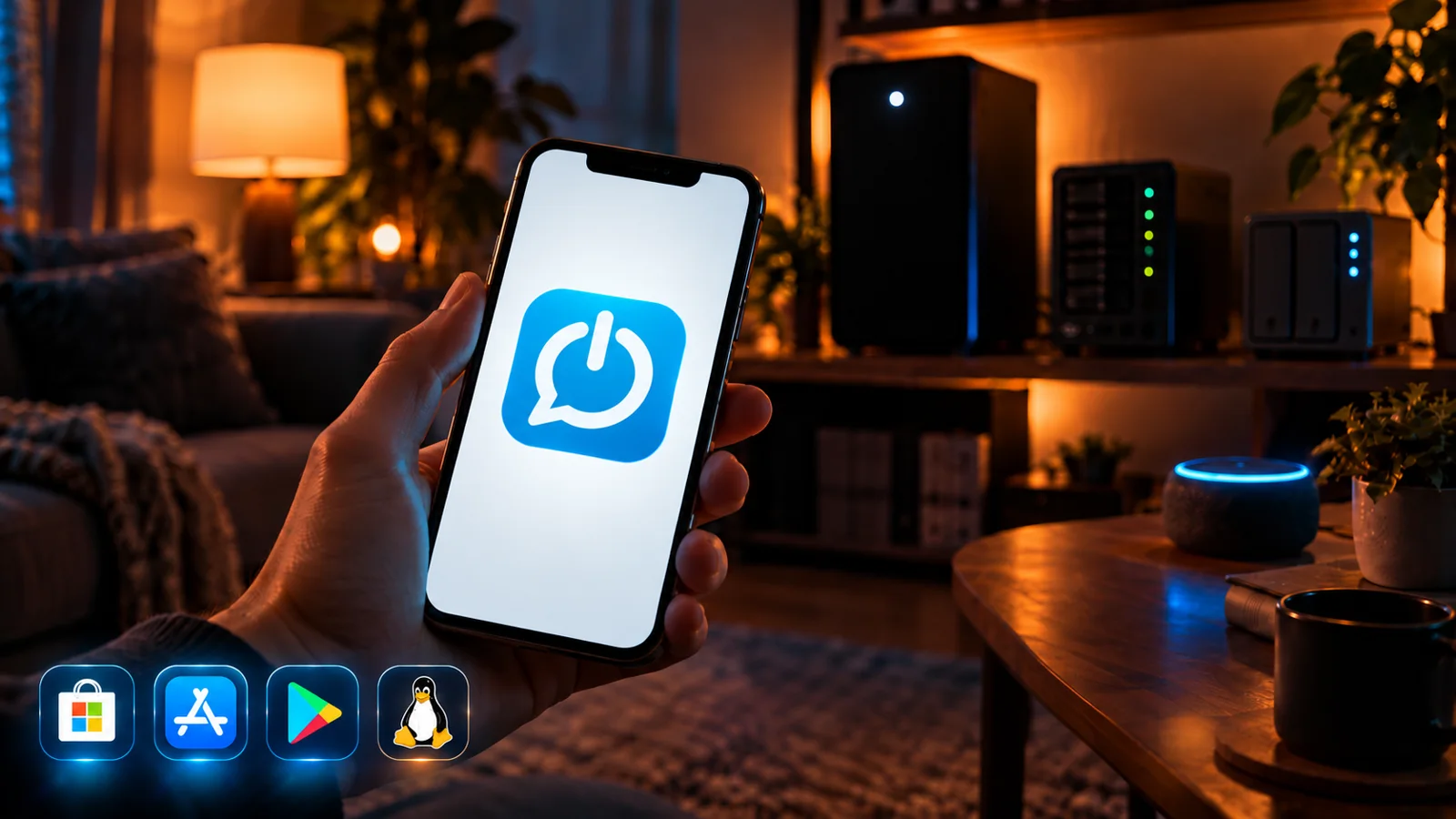
O app SayBoot para iPhone e Android chegou, junto com o Premium (sete dias de teste grátis) e os agentes para Linux, NAS Synology e Mac. O que muda, o que continua grátis para sempre, e uma coisa que peço a vocês.
 Histórias
Há duas semanas perguntei a quem usa o SayBoot o que realmente importa. Chegaram muitas respostas, algumas que reli várias vezes. Isto é o que aprendi, e o que nasceu daí.
 Dicas
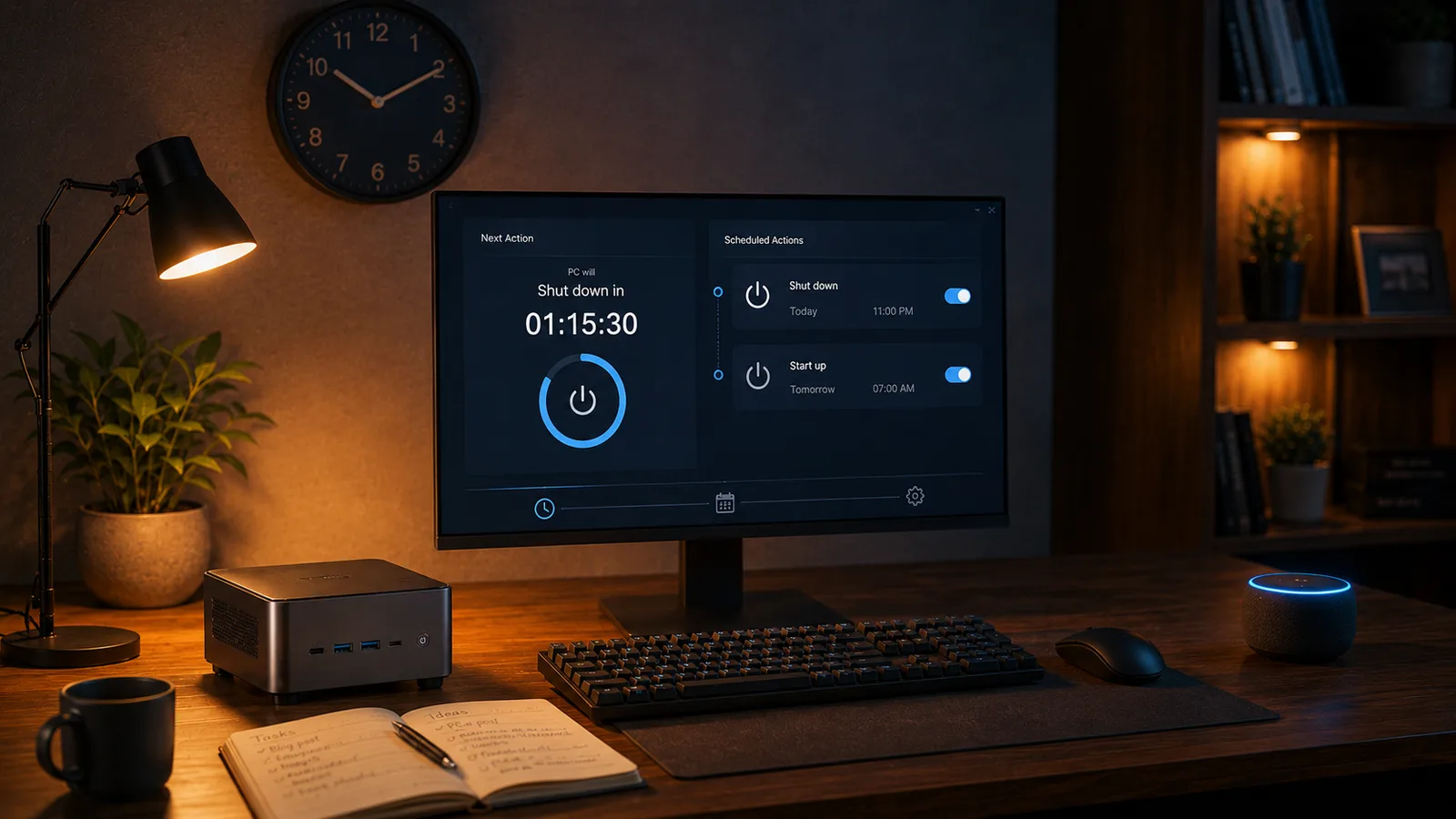
DicasComo desligar (ou ligar) um PC Windows com a Alexa depois de um tempo, sem configurar nada. A frase exata, como cancelar o temporizador e o que acontece nos bastidores.